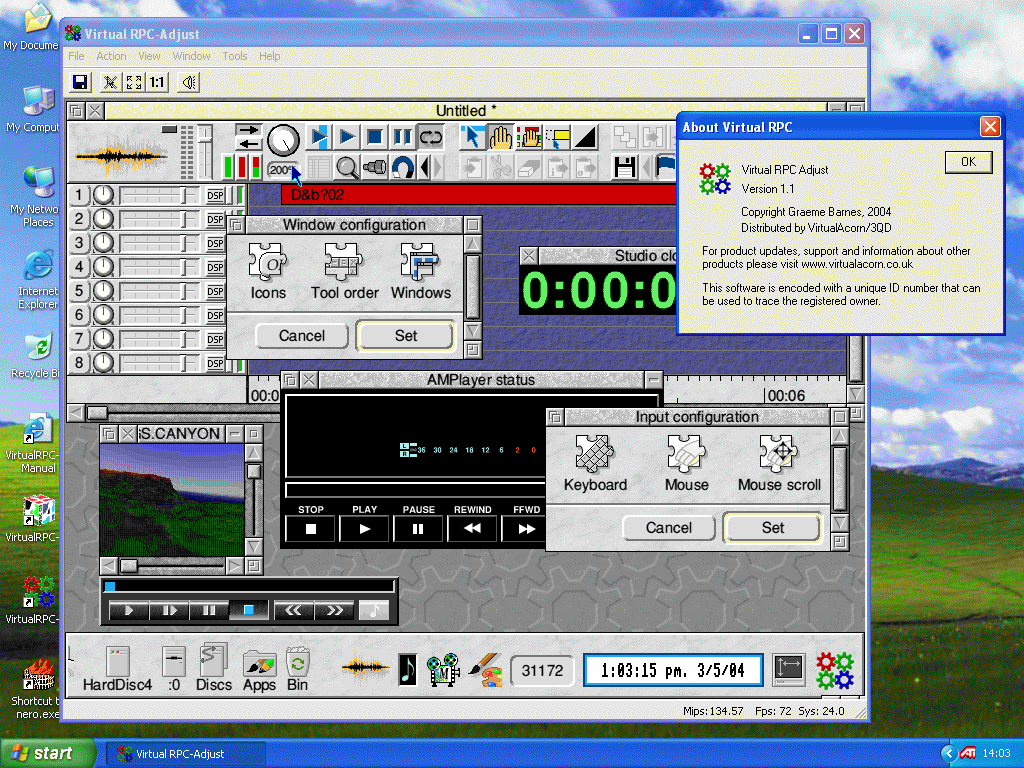
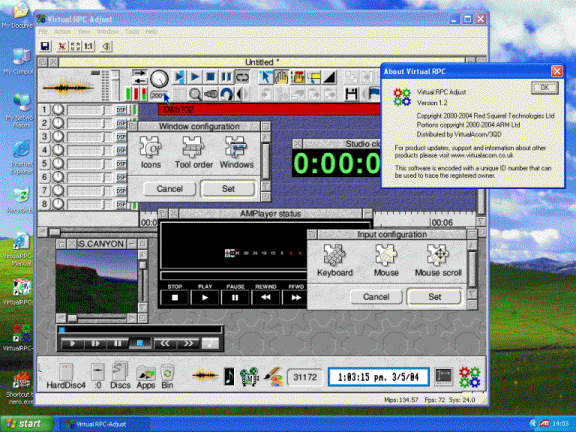
Includes RISC OS Adjust
VirtualRPC-Adjust turns your PC into an accurate model of an Acorn StrongARM RISC PC computer with the very latest version of RISC OS. Almost any software that runs on a real Acorn RISC PC will run on VirtualRPC-Adjust. VirtualRPC-Adjust is supplied on CD and comes complete with:
- RISC OS 4.39 (RISC OS Adjust) operating system with all the latest updates from RISCOS.com.
- Comes complete with the standard ROM based applications such as !Draw, !Edit and !Paint.
- Directly read Acorn format floppy discs (internal floppy drive required) on Windows 2000, Windows XP, Windows Vista (32bit), Windows 7 (32bit) and Windows 8 (32bit).
- Directly read Acorn format CD ROMs and DVDs on Windows 2000, Windows XP, Windows Vista, Windows 7, Windows 8 and Windows 10.
- Complete HTML RISC OS user manual with EasyStart front end.
- Virtual ADFS hard disk drive with the latest universal !Boot sequence.
- Support for integrated graphics cards on both laptops and desktops.
- Unlimited hard disk sizes using the HostFS filing system.
- Support for up to 256Mb of RAM for RISC OS.
- Support for screen modes up to 8Mb in size allowing resolutions up to 1920x1080 (Full HD) in 24bit colour.
- Power Management support to extend battery life on laptop computers.
- Printing using the supplied RISC OS printer drivers.
- Network access using ShareFS.
- Internet access using a range of popular browsers and e-mail clients.
- Full commercial versions of Ovation, FasterPC and Mr Clippy.
- Sample software packs of Public Domain, Freeware and Shareware programs.
- Pre-configured memory settings which allow VirtualRPC-Adjust to run "out of the box".
- Runs RISC OS software such as Impression Publisher, Artworks and Textease.
- Access to the many thousands of RISC OS applications available.
- One year (from date of despatch from our offices) technical support via phone/e-mail.
- Lifetime technical support via the Support section of the VirtualAcorn website and the VirtualAcorn Forums.
In addition VirtualRPCAdjustSA also has the following features:
- Now includes StrongARM, ARM710 and ARM7500 processor cores.
- Support for StrongARM software, including FireFox, Thunderbird, MP3 encoders and more.
- HostFS2 allowing on the fly creation and deletion of mounts from within RISC OS.
- DrivePop HostFS Mount manager allows one click setup of cameras and pen drives.
- Faster screen update with support for a greater range of resolutions.
- AutoMode configuration plugin to generate correct mode sets for non standard display sizes.
- Mappings for files generated by the Windows version of OvationPro.
- Includes WinClip, allowing RISC OS to read and write to the Windows clipboard.
- Includes CallWin32 podule to allow communication between RISC OS and Windows.
- Autolaunch files under Windows from inside RISC OS with the VirtualAcorn Windows Controller.
- Improved battery manager with user configurable delay between battery checks.
- Includes complete version of First Steps with RISC OS 4, as published by Alligata Media.
- Improved version of the RISC OS user guide
- Updated applications including new versions of NetSurf, KinoAmp and WebsterLT
- Updated !System folder with the latest modules included.
- RISCOS side VirtualAcorn user guide now split into separate chapters for ease of printing.
 
Customers should note that our products require an unlock code before they can be run. You will need to install the software then follow the instructions on the registration panel that opens when the software is run.
For more details on RISCOS Adjust (RISC OS 4.39) please see the RISCOS.com website.
Upgrading from a different version of VirtualRPC
You can find information about VirtualAcorn upgrades by clicking on the logo below.
|